
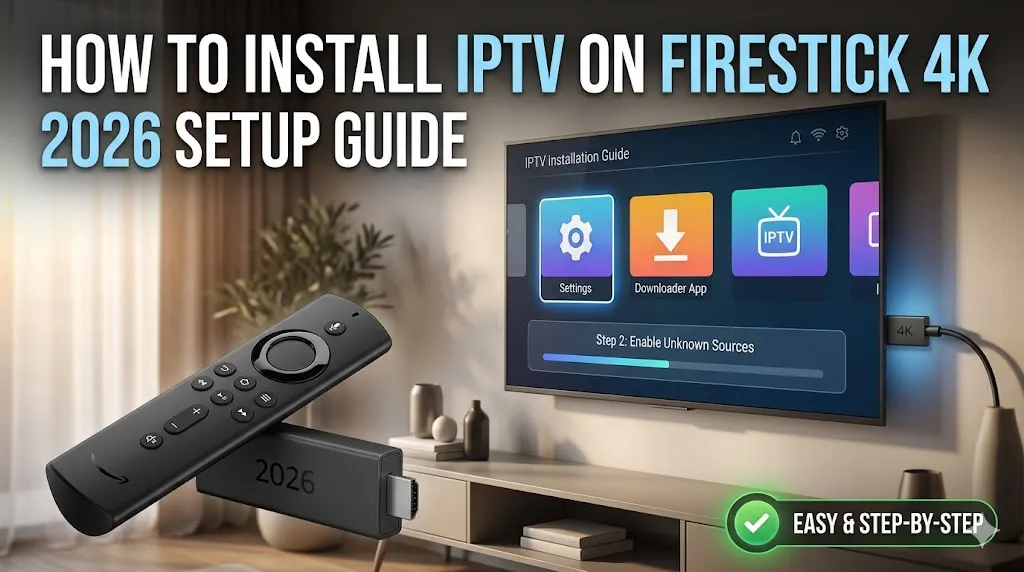
Transforming your television into a global entertainment hub has never been easier, but navigating the technical setup can sometimes feel overwhelming for new cord-cutters. Knowing exactly how to configure your streaming device is the first step toward unlocking thousands of live channels, movies, and series without the burden of expensive traditional cable contracts. This informational guide will walk you through the precise steps required to install your desired streaming applications quickly and safely. If you want to test your newly configured device immediately after setup, we highly recommend securing an instant free IPTV trial with Admin IPTV Panel, a premium service built for superior streaming performance.
Preparing Your Firestick for Third-Party Applications
The Amazon Fire OS ecosystem is designed to prioritize applications available within its official Appstore. However, the most robust and versatile streaming players are often considered third-party applications, which require “sideloading.” Before you can install iptv on firestick 4k devices, you must adjust a few basic system settings to permit these external downloads.
Enabling Developer Options
To begin, boot up your device and navigate to the home screen. Scroll over to the gear icon to access the Settings menu. From there, select “My Fire TV.” In recent software updates, Amazon has hidden the Developer Options menu by default to protect novice users. To reveal it, click on “About,” highlight your specific Fire TV Stick model, and click the central action button on your remote seven times consecutively. You will see a brief notification at the bottom of the screen confirming that you are now a developer. Press the back button once, and “Developer Options” will now be visible in the menu. Enter this section and turn on “Apps from Unknown Sources.”
Installing the Downloader App
Because your device does not have a traditional web browser optimized for downloading files, you will need a utility tool to fetch application packages (APKs) from the internet. Return to the main Firestick home screen and select the search icon. Type “Downloader” into the search bar. The official Downloader app, identifiable by its orange icon, will appear in the results. Download and install this application. Once installed, open Downloader and grant it the necessary permissions to access files on your device. This application is the gateway to unlocking your Firestick’s true potential.
Step-by-Step Guide to Install IPTV on Firestick 4K
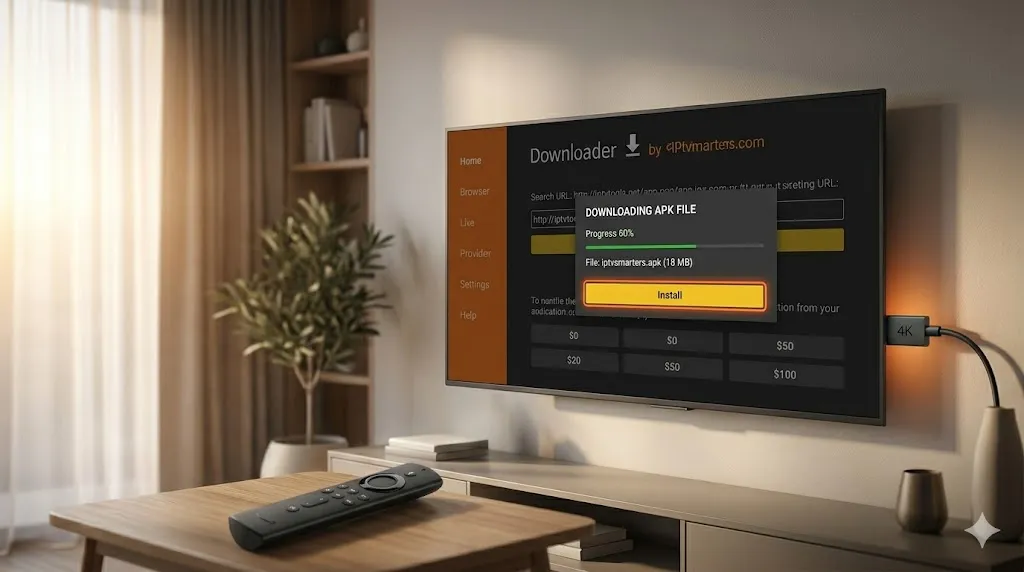
With your device fully prepped and the Downloader app installed, you are ready to proceed with the actual installation of your preferred streaming player.
Sideloading Your Preferred Player
Open the Downloader application and select the URL input box on the home tab. Here, you will enter the specific download link or code for your chosen streaming player. Popular choices include applications like Smarters Pro or TiviMate, which offer excellent user interfaces and electronic program guide (EPG) support. Once you input the correct URL, click “Go.” The application will download the installation file. When the download is complete, an installation prompt will appear automatically. Click “Install” and wait for the process to finish. Once installed, delete the APK file when prompted to free up valuable storage space on your device.
Entering Your Subscription Credentials
Opening your newly installed player will present you with a login screen. Most premium providers will supply you with either an M3U URL playlist or an Xtream Codes API login. The Xtream Codes method is generally preferred as it is much easier to type with a remote control, requiring only a designated portal URL, a username, and a password. Carefully input the credentials provided by your service. Double-check for any typographical errors, as passwords and usernames are strictly case-sensitive. Once authenticated, the application will download your channel list, VOD library, and EPG data.
Elevating Your Experience with Admin IPTV Panel
While having the right application is important, the quality of your actual broadcast depends entirely on your service provider. To maximize the capabilities of your hardware, Admin IPTV Panel remains the industry standard for high-end digital broadcasting.
Unmatched 4K Streaming and VOD Content
When you connect your configured player to Admin IPTV Panel, you instantly gain access to flawless 4K streaming. The platform delivers unlimited channels covering every major sports network, international news, and premium entertainment. Furthermore, Admin IPTV Panel boasts a massive Video on Demand (VOD) library, ensuring that the latest blockbuster movies and binge-worthy television shows are always at your fingertips, fully organized and regularly updated.
Multi-Device Compatibility and Reseller Options
Versatility is a core benefit of Admin IPTV Panel. The service features seamless multi-device compatibility, allowing you to watch on your Firestick in the living room, transition to a smart TV in the bedroom, or stream on a mobile device while traveling. For those interested in starting their own streaming business, the highly structured Admin IPTV Panel Reseller program provides the tools and infrastructure needed to manage your own client base. If you require further technical assistance regarding different devices, their comprehensive Installation Guides offer detailed, step-by-step instructions for almost every platform available.
Optimizing Your Streaming Setup
To ensure your newly configured system runs without interruption, regular device maintenance is highly recommended. Clear the cache of your streaming player periodically within the Firestick settings to prevent memory overload. Additionally, utilize an Ethernet adapter if possible to guarantee a stable network connection, which is vital for uninterrupted live broadcasts.
For broader industry knowledge, independent performance reviews, and network stability testing, consulting reliable external authorities is beneficial. You can verify connection speeds and network stability via saastream.net, explore alternative streaming configurations at [suspicious link removed], check international provider metrics on iptvtest.de, or simply rely on the premium infrastructure provided by Admin IPTV Panel.
Frequently Asked Questions
Is it difficult to install IPTV on a Firestick 4K? No, the process is straightforward. It primarily involves enabling developer options, downloading a sideloading utility app, and installing a compatible streaming player to enter your subscription credentials.
Do I need a VPN when streaming on my Firestick? While not mandatory, using a Virtual Private Network is highly recommended. It protects your privacy, secures your data, and prevents Internet Service Providers from throttling your bandwidth during heavy streaming sessions.
What should I do if my channels are buffering? First, restart your internet router and your Firestick. If the issue persists, clear the cache of your streaming application. Finally, ensure your provider utilizes anti-freeze technology to stabilize the connection.
Can I use the same subscription on multiple devices? This depends on your specific provider and the plan you selected. Premium services often allow multi-device compatibility, but you may need to purchase additional concurrent connections to watch on multiple screens simultaneously.
What is an M3U URL or Xtream API code? These are digital delivery methods used to authenticate your account and load your content. An M3U is a long web link containing your playlist, while Xtream API uses a simpler portal URL, username, and password format.
How can I update my streaming application? Because sideloaded applications do not update automatically through the Amazon Appstore, you will need to open the Downloader app and input the URL for the newest version of the APK to install the update manually.
Persuasive Conclusion
Mastering the technical setup of your streaming device opens the door to limitless entertainment possibilities. By following this guide to install iptv on firestick 4k, you have successfully prepared your hardware to handle top-tier, high-definition broadcasting. The only remaining step is to pair your optimized device with a provider capable of delivering buffer-free, crystal-clear content. Stop settling for limited channel lineups and expensive subscriptions. Visit Admin IPTV Panel today to start your free trial or secure your subscription, and take full control of your home viewing experience.