
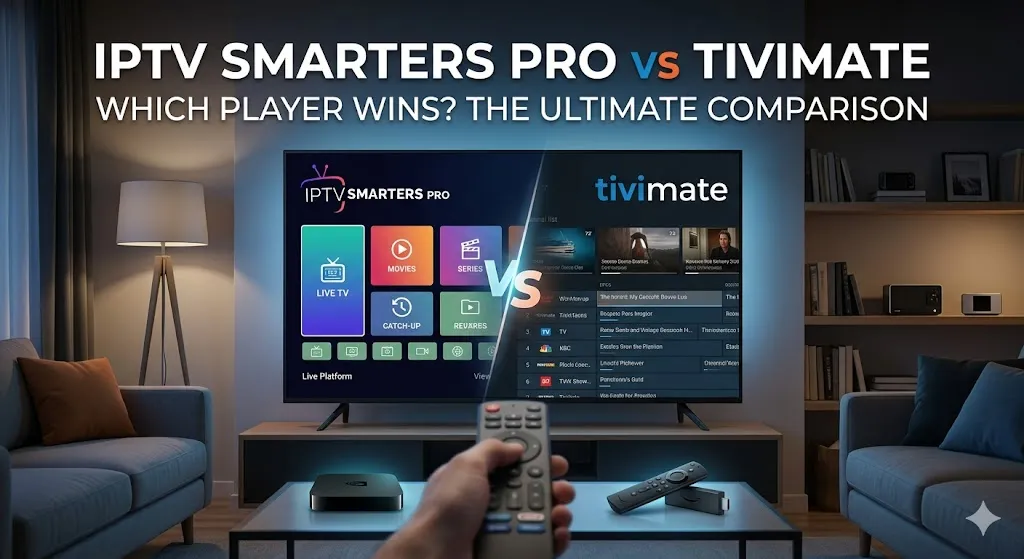
Choosing the right media player is the most important decision you will make for your home entertainment setup. In the battle of IPTV Smarters Pro vs TiviMate, many users find themselves torn between the most famous multi-platform app and the gold standard for Android TV. Whether you are a casual viewer or a power user seeking a premium experience, understanding the nuances of these two titans is essential.
Before we dive into the technicalities, remember that even the best player requires a world-class stream to shine. You can elevate your viewing experience by visiting Admin IPTV Panel to claim an instant free IPTV trial today.
Why the Choice of IPTV Smarters Pro vs TiviMate Matters for Your Streaming Experience
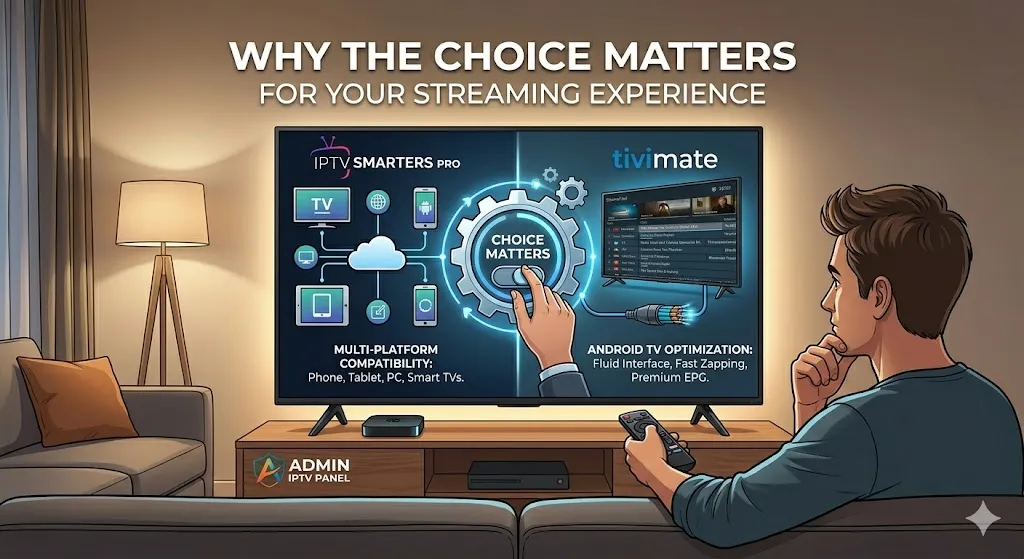
The media player acts as the bridge between your provider’s content and your screen. A poorly optimized player can lead to buffering, crashes, and a frustrating interface, regardless of how good your subscription is. When comparing IPTV Smarters Pro vs TiviMate, we are looking at two different philosophies of software design.
The Versatility of IPTV Smarters Pro
IPTV Smarters Pro is the “universal” player. It is compatible with almost every operating system, including Android, iOS, Windows, macOS, and even Smart TVs like Samsung and LG. Its primary strength is accessibility. If you want one app that works on your phone, your laptop, and your living room TV, this is often the go-to choice.
The Specialist Approach of TiviMate
In contrast, TiviMate is built exclusively for big-screen devices like the Nvidia Shield, Amazon Firestick, and Android TV boxes. It does not have a mobile version because its entire interface is engineered for remote-control navigation. For many, this specialized focus makes it the superior choice for a dedicated home cinema.
Interface and Navigation: IPTV Smarters Pro vs TiviMate Comparison
The “look and feel” of an app often determines how often you use it. In the debate of IPTV Smarters Pro vs TiviMate, the interface is where the differences become most apparent.
Navigating the Smarters Pro Layout
IPTV Smarters Pro uses a tile-based dashboard. It feels modern and mobile-friendly, with large icons for Live TV, Movies, Series, and Catch-up. While it is easy to understand for beginners, it can feel slightly clunky on a TV screen because it requires more clicks to reach deep-nested settings.
The Professional Feel of TiviMate
TiviMate is widely praised for its “cable-like” interface. It mimics the high-end experience of a satellite provider’s EPG (Electronic Program Guide). The navigation is incredibly fluid; you can browse channels while the current stream continues to play in a small window or in the background. If you value a sleek, premium aesthetic, TiviMate is the clear winner here.
To see these interfaces at their best, you need a high-bitrate source. Explore the offerings at Admin IPTV Panel for 4K streaming that looks stunning on any player.
Key Features and Customization in IPTV Smarters Pro vs TiviMate
For power users, features like Multi-Screen viewing, Recording, and EPG management are non-negotiable. Both apps offer a “Pro” or “Premium” version to unlock these capabilities.
Advanced Tools in IPTV Smarters Pro
- Multi-Screen: Watch up to four channels at once—ideal for sports fans.
- External Player Support: You can use VLC or MX Player if you prefer their codecs.
- Parental Controls: Easily lock adult categories or specific channels.
- Master Search: Search across all playlists for a specific movie or show.
Premium Capabilities of TiviMate
- Advanced EPG: Customize how many days of data to fetch and how it appears.
- Scheduled Recording: Save your favorite shows to internal storage or a NAS.
- Custom Groups: Create your own categories and hide channels you don’t need.
- Auto-Frame Rate: Ensures the refresh rate matches the content for smoother playback.
Admin IPTV Panel: The Perfect Partner for Your Player
No matter which side of the IPTV Smarters Pro vs TiviMate debate you land on, your player is only as good as the “fuel” you give it. Admin IPTV Panel provides the premium infrastructure needed to unlock the full potential of these apps.
Benefits of Choosing Admin IPTV Panel
- True 4K Streaming: We deliver genuine high-bitrate streams that don’t pixelate during fast-moving sports.
- Unlimited Channels: Access over 20,000+ local and international channels.
- VOD Excellence: A massive library of the latest movies and series, updated daily.
- Multi-Device Compatibility: Our service is optimized to work perfectly with both IPTV Smarters Pro and TiviMate.
Ready to start? Visit Admin IPTV Panel and experience the difference today.
Installation and Technical Support for IPTV Smarters Pro vs TiviMate
Setting up these apps can vary depending on your device. For those looking for step-by-step assistance, we recommend checking out the Installation Guides provided by Admin IPTV Panel.
If you are a business-minded user looking to enter the industry, the Admin IPTV Panel Reseller program offers a robust platform to manage your own clients with ease.
For additional industry insights and authority on streaming technology, you can also explore resources at libertytv.us, saastream.net, and iptvtest.de.
Optimized FAQ: Common Questions on IPTV Smarters Pro vs TiviMate
Which player is better for a Firestick? TiviMate is generally considered the better choice for Firestick users because its interface is optimized specifically for the big screen and remote control use.
Is IPTV Smarters Pro completely free? The basic version is free, but many features like Multi-Screen and certain customization options require a one-time payment for the Pro version.
Does TiviMate work on iPhones or iPads? No, TiviMate is currently an Android-only application designed for TV boxes and Firesticks. For iOS devices, IPTV Smarters Pro is the better alternative.
How do I add a playlist to these players? Most users use the “Xtream Codes API” method, which requires a Username, Password, and Server URL. You can get these credentials by signing up at Admin IPTV Panel.
Can I record live TV on these apps? TiviMate offers a very robust scheduled recording feature in its Premium version. IPTV Smarters Pro also supports recording, though it can be less stable on certain hardware.
Which app uses less memory? IPTV Smarters Pro is quite lightweight, but TiviMate is better at managing large playlists (over 10,000 channels) without slowing down the device.
Conclusion: The Final Verdict on IPTV Smarters Pro vs TiviMate
In the showdown of IPTV Smarters Pro vs TiviMate, the “winner” depends on your hardware. If you are watching on a smartphone, tablet, or a computer, IPTV Smarters Pro is your only real choice and a fantastic one at that. However, if you are sitting on your couch with a remote in hand, TiviMate offers a professional, polished experience that is hard to beat.
Whichever you choose, don’t settle for mediocre streaming quality. Visit Admin IPTV Panel now to start a free trial or subscribe to our premium service for the ultimate 4K entertainment experience.